All the ways to import module
1.Basic import
Keyword module_name
import turtle
tim = turtle.Turtle()
2.from...import...
keyword module_name keyword thing_in_module
from turtle import Turtle
tim = Turtle()
3.from...import *
keyword module_name keyword every thing.
forward()
Note: It is very confusing not preferred in python community. Python programmers sometimes use first way or second way of importing modules.
Aliasing modules
import turtle as t
tim = t.Turtle()
Installing modules
If module or package is not already installed into the pycharm IDE then you have to install it. You can do it by going to the project setting then interpreter and there you can write the name of package you need and install it. Then you can import the modules.
Named colors vs random colors
# Named Colors
tim.color("red")
# Random Colors

import turtle as t
import random
tim = t.Turtle()
screen = t.Screen()
t.colormode(255)

def random_color():
    r = random.randint(0, 255)
    g = random.randint(0, 255)
    b = random.randint(0, 255)

    rand_color = (r, g, b)
    return rand_color

tim.pencolor(random_color())
screen.exitonclick()
Python Tuples:
my_tuple = (1, 3, 8)
my_tuple[2] #Access the element from tuple
Tuple vs List: In tuples we can not make changes i.e., edit, delete. Tuples are Immutable. You have to convert that into list list(my_tuple) to make changes in it.
my_tuple[2] = 12

Output:
Error
Challenges
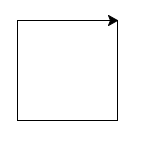
1.Draw a rectangle
2.Draw a dotted line

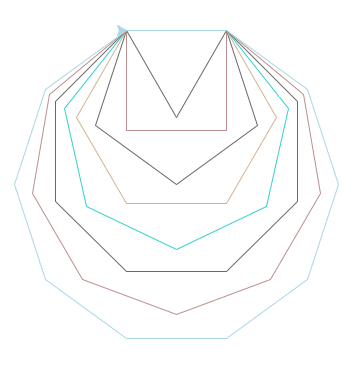
3.Draw different shapes
4.Random Walk

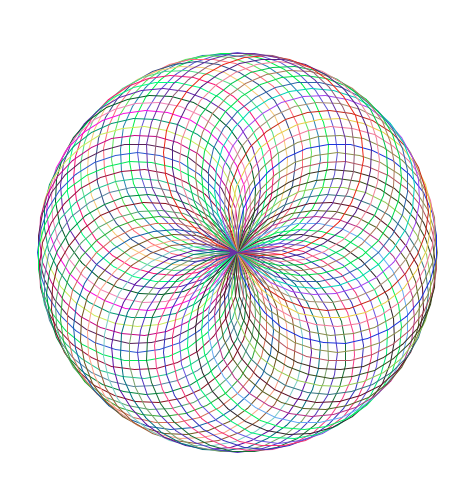
5.Draw a Spirograph
Code on Github
Project
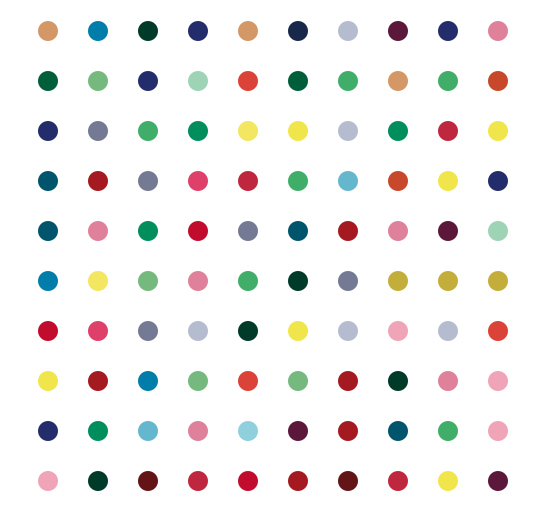
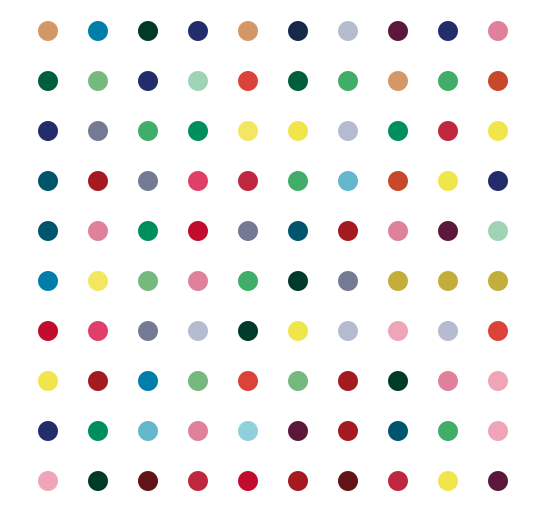
The Hirst Painting Project. Github